
The program comes in handy when reinstalling an operating system or when you need to boot a computer without an OS. This utility doesn’t support creating images on Apple’s OS. Read on to find out which Rufus alternatives are available for MacOS and how to create a bootable flash drive.
This utility creates bootable flash drives, adapts drives for use with BIOS and UEFI, and formats drives. It can create logical partitions on a drive. For more details on how to use it, check out the article at the link.
Software developers quickly responded to the lack of a Rufus version for Mac and released a dozen programs with similar functionality.
UUByte ISO Editor
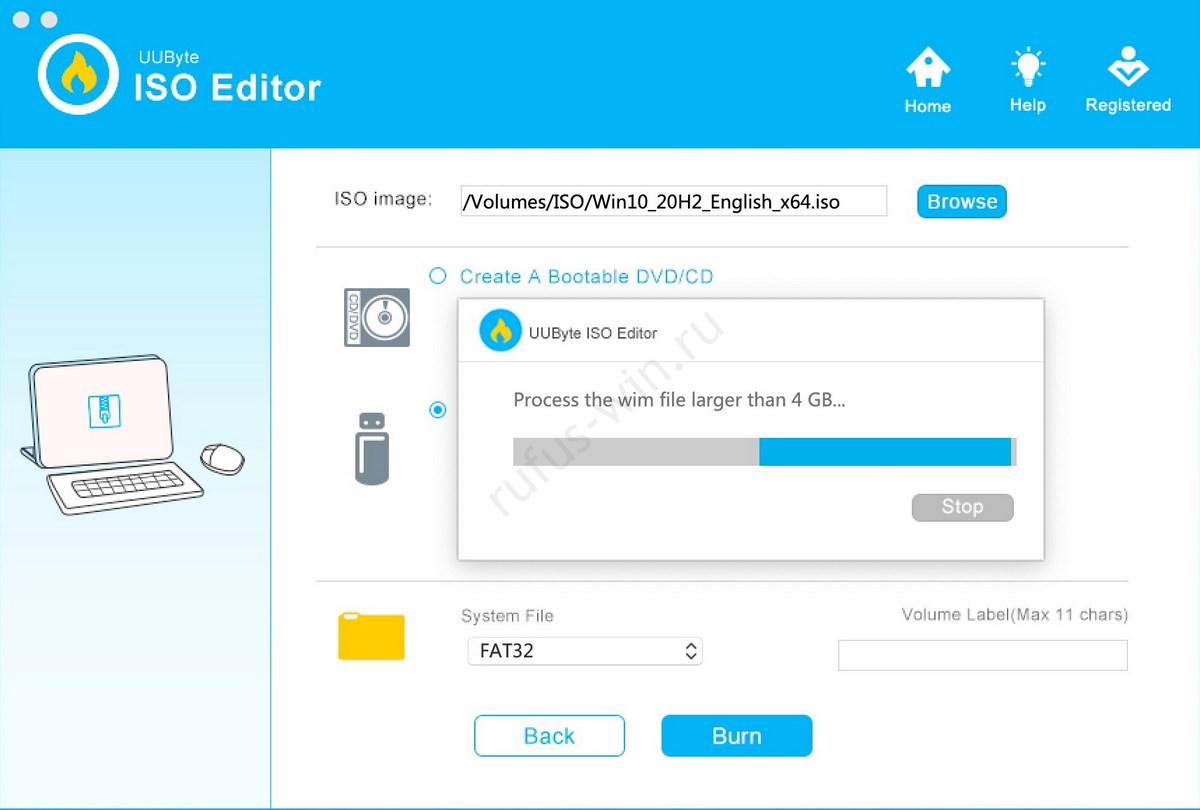
A full-featured tool for working with ISO files. It creates them from files on your hard drive or from optical discs. UUByte ISO Editor supports editing images and burning their contents to removable drives, CDs, and DVDs. In just a couple of seconds, it extracts files from an ISO to a specified folder and mounts it as a virtual drive. When editing image contents, it saves files up to 10 times faster than comparable tools thanks to AI and advanced compression algorithms.
Pros and Cons
Advantages:
- Works on Mac OS and Windows.
- Burns bootable discs and flash drives.
- High speed.
- Supports drag & drop.
- Detailed user guide.
- Secure download.
- Responsive support.
Disadvantages:
- No free version, only a trial.
Universal Netboot Installer (Unetbootin)
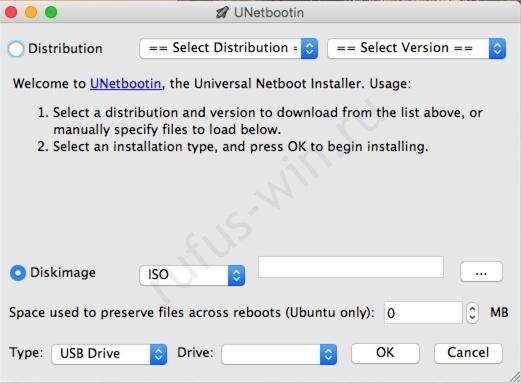
A cross-platform set of utilities for creating LiveCDs from UNIX and BSD system images. Unetbootin can burn dozens of Linux and Windows boot utilities right from within MacOS. It works with portable hard drives and flash drives. It creates a bootable drive without pre-formatting, leaving all existing files untouched. Universal Netboot stands out with its colorful graphical interface and compatibility with dozens of Linux distributions.
Pros and Cons
Advantages:
- Runs on MacOS and Linux.
- Burns images with OS and applications.
Disadvantages:
- Doesn’t work with optical media.
Etcher (BalenaEtcher)
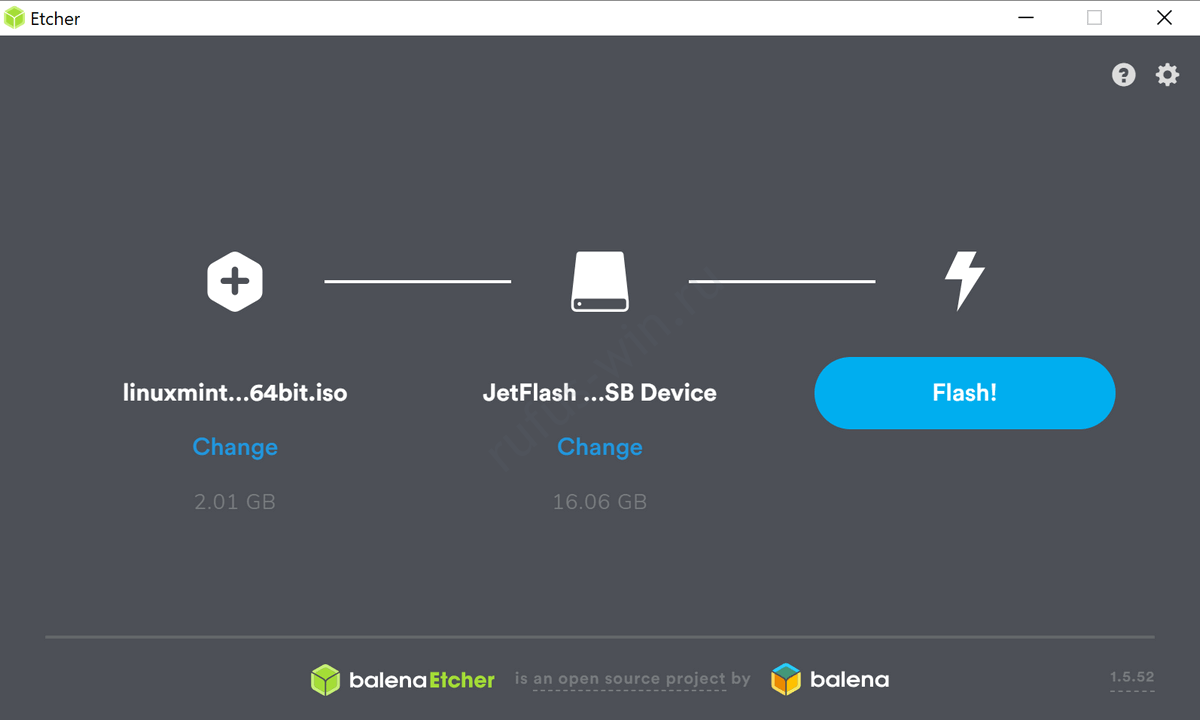
A cross-platform alternative to Rufus for Mac that can create bootable USB flash drives and SD cards from images. It burns ISO, IMG images, or archives onto a portable drive. BalenaEtcher is distributed for free with source code and works on MacOS, Linux, and Windows. It can run with either a graphical interface or as a command-line utility. Etcher is popular for its ability to create multi-boot devices. It can also burn to two drives simultaneously.
Pros and Cons
Advantages:
- Works on three platforms.
- Command-line version with a graphical interface.
- Step-by-step burning wizard.
- Checks drive memory integrity.
Disadvantages:
- Doesn’t let you choose the boot method or target system (BIOS or UEFI).
DiskMaker X (formerly Lion DiskMaker)
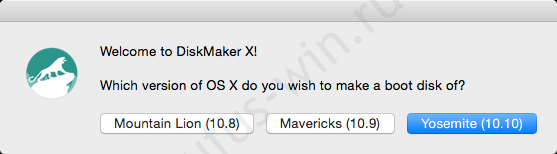
A utility written in AppleScript for reinstalling MacOS. It uses Spotlight to find boot volumes with the operating system distribution. It can change the bootable drive’s interface in just a couple of clicks.
Pros and Cons
Advantages:
- Works with memory cards.
- Step-by-step burning wizard.
- Supports three MacOS versions: Lion, Mavericks, and Yosemite.
Disadvantages:
- None found, but that doesn’t mean there aren’t any.
Mac Linux USB Loader
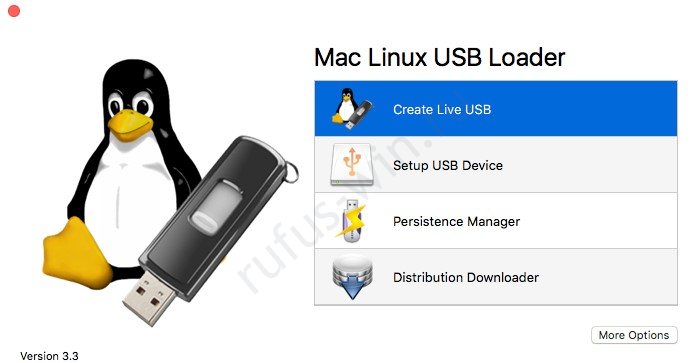
A Linux loader for MacBook that lets you run Linux distributions on Apple devices. This utility is adapted for UEFI booting, which makes it harder to use Linux with bootloaders other than GRUB. It downloads the image of the desired OS from the physical server closest to you.
Pros and Cons
Advantages:
- Only works with Linux build images.
- Commercial product – costs $5.
- Customizable interface.
Disadvantages:
- None found.
Rosa Image Writer
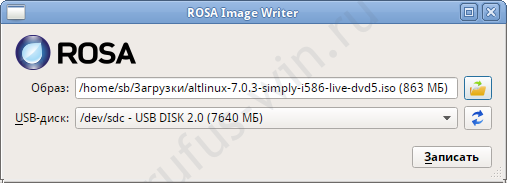
This utility originally served as a tool for burning bootable CDs. It later evolved into a program for deploying operating system distributions onto flash drives. It runs on Windows, MacOS, and Linux. Since the source code is available, developers can create their own custom build of Rosa Image Writer. It works with dozens of Linux images that support dd-based writing. It shows the progress of the ISO content burning process.
Pros and Cons
Advantages:
- Open source code.
- A “Wipe” feature for removing the device’s file structure.
Disadvantages:
- Burning issues on Windows.
- Not compatible with MacOS X 11.
Deepin Boot Maker
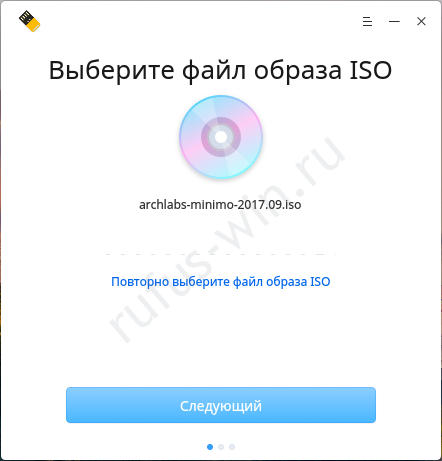
A tiny program that creates bootable USB drives with Ubuntu on Windows, MacOS, and various Linux distributions. On the latter, it may prompt you to download additional packages. Deepin Boot Maker comes in the form of a step-by-step wizard with a compact graphical interface. It lets you skip the drive formatting step.
Pros and Cons
Advantages:
- Cross-platform.
- Burning wizard.
- Works with ISO and IMG files.
- Runs without root (administrator) privileges.
Disadvantages:
- Device formatting isn’t required.
Disk Utility
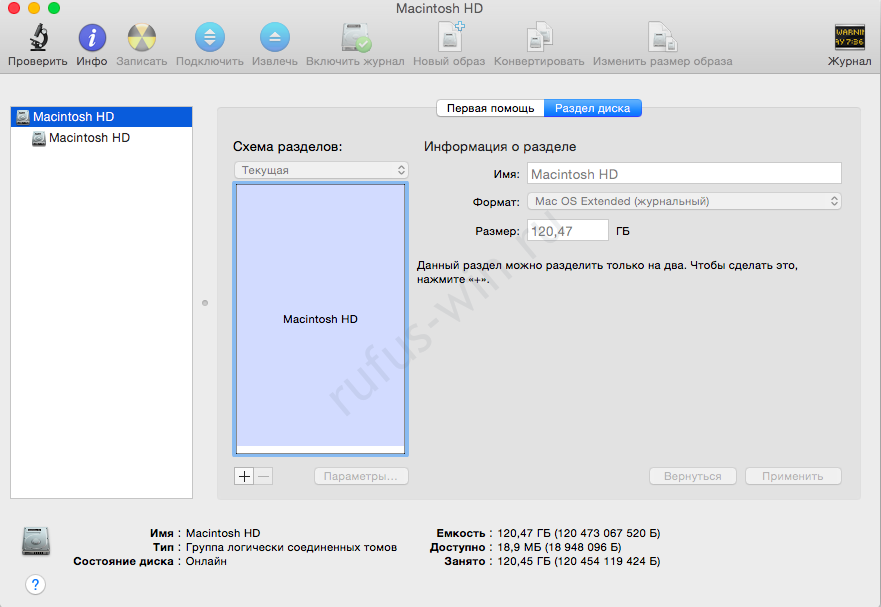
A built-in Mac tool for working with storage devices: disks, flash drives, memory cards, and their copies. It can check the system partition and repair damaged or missing files, as well as restore file permissions. It can erase and format partitions and digital media, split them, and fix logical errors.
It creates images from files, flash drives, and optical discs, and mounts them as virtual drives. It displays information about detected logical and physical disks. It can create RAID arrays and build bootable USB flash drives and optical media from images.
Pros and Cons
Advantages:
- Many functions for working with volumes and physical media.
- Editing and creating new images.
- Built into the operating system.
Disadvantages:
- Doesn’t seem to have any.
Install Disk Creator
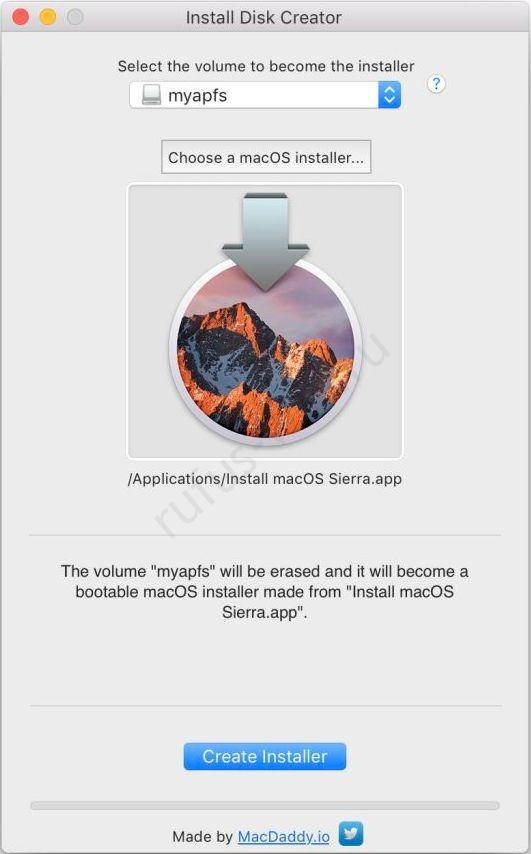
This utility turns a flash drive into a portable bootable disk with a clean MacOS installer.
Pros and Cons
Advantages:
- Runs on MacOS X 10.7 and later.
- Extremely simple interface.
Disadvantages:
- No progress bar.
Which MacOS alternative is closest to Rufus in terms of functionality?
None of the alternatives fully match Rufus’s functionality. The closest ones are Etcher and Unetbootin. UUByte ISO Editor is comparable to the multifunctional UltraISO.
Do you use a different app for creating bootable flash drives on your MacBook? Let us know in the comments.